I've always felt that developing for Apple platforms, specifically iOS and iPadOS, is the most rewarding development experience available. That's largely due to nostalgia and a genuine (and somewhat obsessive) love for Apple, but that feeling remains true, even in 2026. So when it came to building Flyby, the choice was clear: take advantage of Apple as much as possible. And that's exactly what happened.
The Defining Sources
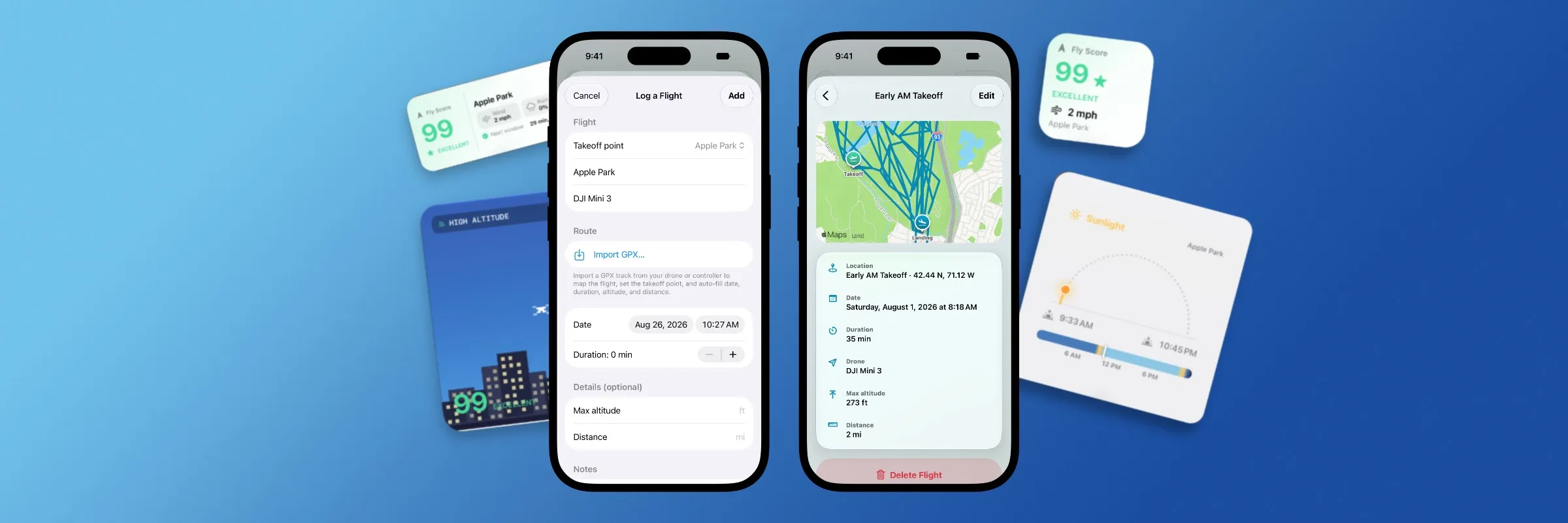
From the very start, the intention was to use Apple WeatherKit to power Flyby's weather conditions and additional metrics. Beyond the cost benefits and generally reliable data, WeatherKit was the first SDK I used when learning app development, so it was a nice full-circle moment. WeatherKit also, naturally, plays nicely with every other Apple device, so if Flyby ever expands to macOS, CarPlay, or Apple Watch, the weather conditions will remain accurate and consistent. There are plans to support additional weather sources, but for now, WeatherKit is the main "weather system" within Flyby.
Another crucial Apple SDK that Flyby utilizes is MapKit. MapKit is another one of those toolkits that every developer tinkers with in their free time, and being able to incorporate it into a production app was, well, you know. In Flyby, MapKit powers several important features, mainly the Map experience. In Flyby, maps show a user's Saved Locales, as well points-of-interests, or Flyby Guides, airspace overlays, and allows for quick saving of additional locales by tap. All locations receive a satellite rendering from MapKit, while supported locations received Apple Look Around support. Before long, Flyby was using more MapKit features than I knew existed, but it made the app feel incredibly polished and engaging.
Other Platform Considerations
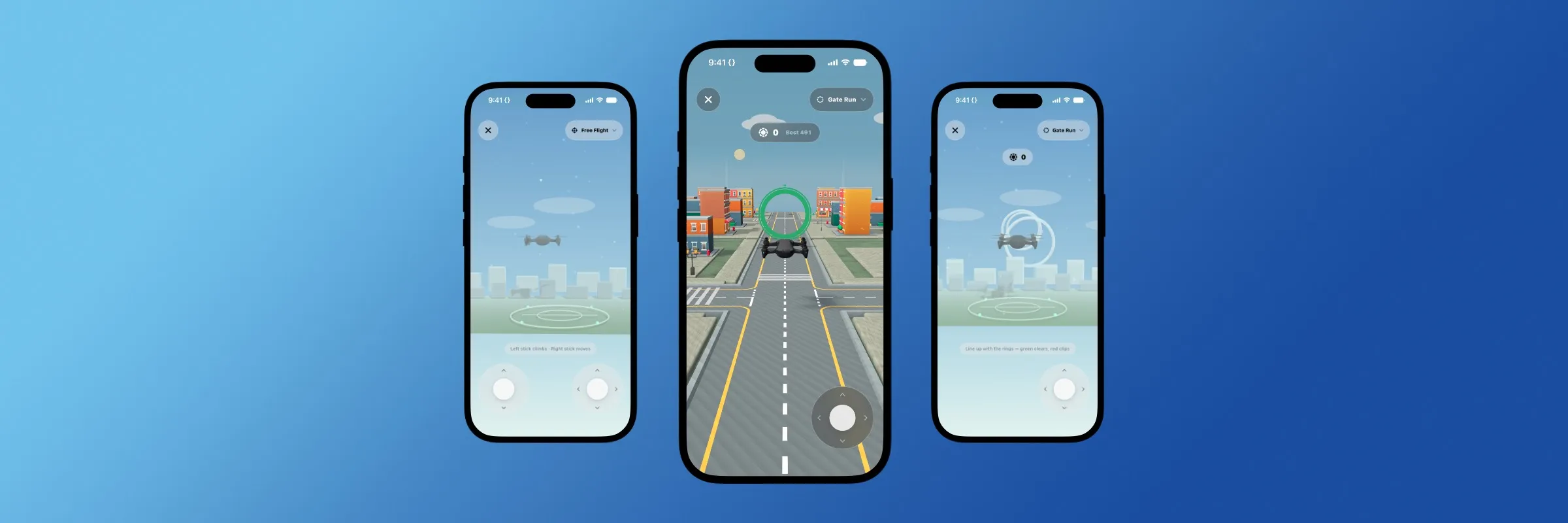
Beyond the "flashy" options, Flyby also takes advantage of several "backend" SDKs offered by Apple. These include Core Location, which powers Flyby's Location Services. Game Center powers Flyby's leaderboards in both Gate Run and Touchdown, and RealityKit powers Flyby's 3D world and graphics. All of these platform decisions were made with the conscious effort of going deeper into Apple's ecosystem of tools and services, in ways that Bit Buddy, Slug, and Cribbo, haven't yet.
Then there's the obvious: WidgetKit. This is what power's Flyby's Home and Lock Screen widgets, as well as the Live Activity feature available to Flyby Pass members. WidgetKit has always been one of the areas of iOS/iPadOS development that presents issues, but not this time. Most of the development time went into designing each interface, which was an experience in and of itself...
Future Plans
Somewhat teased above, there are plans to bring a dedicated iPad experience to Flyby, as well as an Apple Watch companion app. Recently, the idea for a CarPlay companion began popping up, and it's particularly interesting. And exciting.
Other plans include additional widgets and Apple Watch Complications (alongside the companion app), but time will tell which, if any, of these features will be implemented.
Flyby was made for iOS
From the very beginning, as with every One Thirteen application, Flyby was built with the intention of release on Apple platforms. What started as a somewhat simple experiment evolved into a full-blown integration with some of Apple's most intricate toolkits and SDKs. And the result is Flyby, an app which feels unlike any other One Thirteen app. And I'm quite proud of that.
In the next article, we'll take a closer look at Flyby's 3D world and the various challenges that introduced. Spoiler alert: it was a doozy.
Until next time, Nick out.
Flyby is available for download now on the Apple App Store.
Flyby Pass is $3.99/m, $29.99/yr, or $79.99/one-time.